Every second your landing page takes to load directly costs you visitors. Google’s data is clear: increasing load time from one second to three seconds raises the probability of a visitor leaving by 32%. At five seconds, that number jumps to 90%. Most of that critical page weight comes from just two sources: images and downloadable files.
This checklist covers every practical optimization step you can apply to both. Work through it once and you will likely cut your page weight in half without changing your design or writing a single line of code.
Part 1: Image Optimization Checklist
Images are almost always the heaviest element on any landing page. Follow these steps to lighten the load:
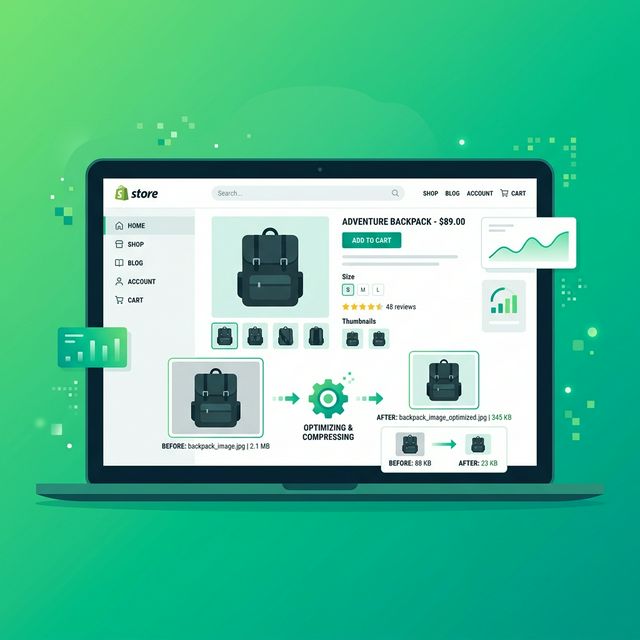
Compress Every Single Image: Use the FlowFix Image Compressor to reduce the file size of every JPG, PNG, or WEBP on your page. A 3MB hero image can typically reach 300KB with zero visible difference on screen. Do this for background images and logos, too.
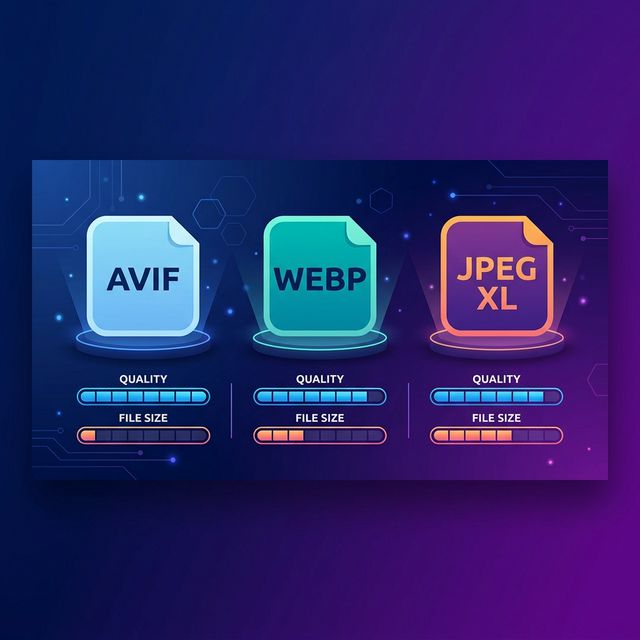
Convert Images to WEBP: WEBP files are 25% to 35% smaller than JPEGs at equivalent quality. Use the FlowFix Image Converter to switch your files. This is one of the fastest performance wins available.
Resize to Display Dimensions: An image shown at 600px wide on a screen does not need to be 3000px wide in the file. Use the FlowFix Image Resizer to scale images to their actual display size.
Crop Dead Space: Large areas of white space or irrelevant surroundings carry useless weight. Use the FlowFix Crop tool to trim images so they contain only what the page actually displays.
Performance Target: Keep individual images under 200KB and your *total* page image weight under 1MB. For mobile-first pages, aim for under 500KB total.
Part 2: PDF and Document Checklist
If your page includes a downloadable resource like a price guide or case study, that PDF's file size directly affects the user experience. A 20MB brochure that takes ten seconds to open on a mobile connection creates a poor impression, even if the landing page itself loads quickly.
Compress Your Downloads
Use the FlowFix PDF Compressor to lighten connected resources. Medium compression keeps text sharp while cutting image data significantly.
Remove Excess Pages
A business prospectus might be 60 pages, but your lead magnet only needs the core ten. Use the FlowFix PDF Splitter to extract only the relevant sections.
Quick Reference: 2026 Targets
- Hero Image: Under 300KB, WEBP format is highly preferred.
- Body Images: Under 150KB each, max 1200px wide.
- Logos and Icons: SVG where possible; PNG or WEBP under 30KB.
- Downloadable PDF: Under 5MB total. Under 2MB if targeting mobile users.
- Background Images: Under 200KB, cropped perfectly to display dimensions.
Free Performance Tools for Every Step
Compress images, convert to WEBP, resize, crop, and split documents: all free, entirely in your browser. Start with the Image Compressor now.
Frequently Asked Questions
How much does speed really affect conversion rates?
A lot. Studies consistently show that faster pages convert better. Research from Portent found that a page loading in one second converts three times better than a page loading in five seconds. Even shaving one second off can meaningfully improve your results.
Do I need a developer for this?
No. Every optimization in this checklist can be done using FlowFix tools directly in your browser. You just download the optimized files and replace the heavy originals in your website builder or CMS. No coding is required.
What is the single biggest improvement I can make?
Compressing and resizing your hero image. It is almost always the heaviest element on a landing page and has the most direct impact on the initial load time perception.
Conclusion
Landing page performance is not a set-and-forget problem. Every new image you add is an opportunity to either help or hurt your load time. Run through this checklist whenever you update your page. The tools are free, the process takes minutes, and the boost to visitor experience is immediate.