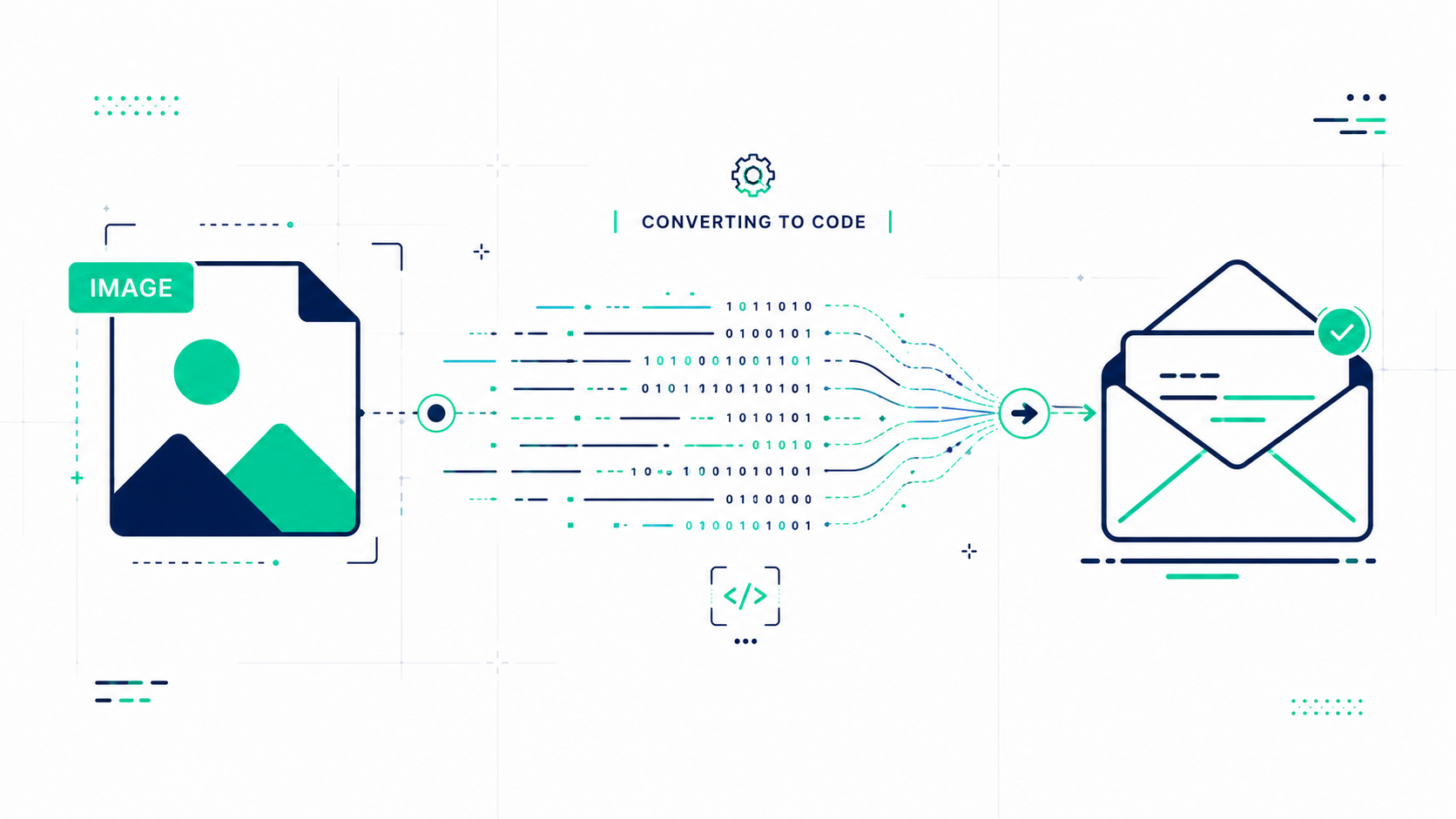
Whether you need to email a photo, submit a scanned document, or archive your pictures in a universal format, converting an image to PDF is a common essential task. With the right tool, it should be simple: taking about five seconds from start to finish.
This guide covers everything you need to know: which formats are supported, a simple step-by-step workflow, and why browser-based tools are the safest choice for your privacy.
Why Convert Your Images to PDF?
Images are great for viewing, but PDFs are the universal standard for sharing and archiving. Here is why people convert their files every day:
- Universal Compatibility: PDF files open on every device and operating system without needing special software.
- Professional Presentation: Submitting a PDF looks polished and is ideal for resumes, invoices, and official reports.
- Required by Portals: Many government portals and submission systems only accept PDF files.
- Archiving: PDFs preserve the exact look of an image long term without format concerns.
- Printing: PDFs maintain precise dimensions and margins: making them ideal for print-ready files.
Supported Image Formats
FlowFix supports every major image format so you are never stuck regardless of where your image came from:
JPG and PNG
The most common formats for photos and screenshots. They are embedded directly into the PDF at full original resolution.
Fast and Lossless
WEBP and AVIF
Modern web formats are rendered through a clean conversion step to ensure they look perfect inside your PDF.
Modern Standards
Pro Tip: FlowFix handles GIF, BMP, and TIFF files too. All conversion happens directly in your browser with zero quality loss.
How to Convert: Step by Step
The entire process takes under a minute and requires nothing more than a standard browser:
1. Open the tool: Go to the FlowFix Image to PDF converter.
2. Upload your image: Click the upload area or drag and drop your file. We support files up to 50MB.
3. Click Convert: Your image is processed instantly. Nothing is ever sent to any server.
4. Download your PDF: The file downloads automatically, centered on a clean A4 page at original resolution.
Why Privacy is the Safest Choice
Many online tools require you to upload your file to a remote server. This creates a real privacy concern for medical images, ID documents, or personal photos.
Server-Based Tools
Your file travels over the internet to a company's server. Your private data temporarily lives on someone else's computer.
FlowFix Client-Side
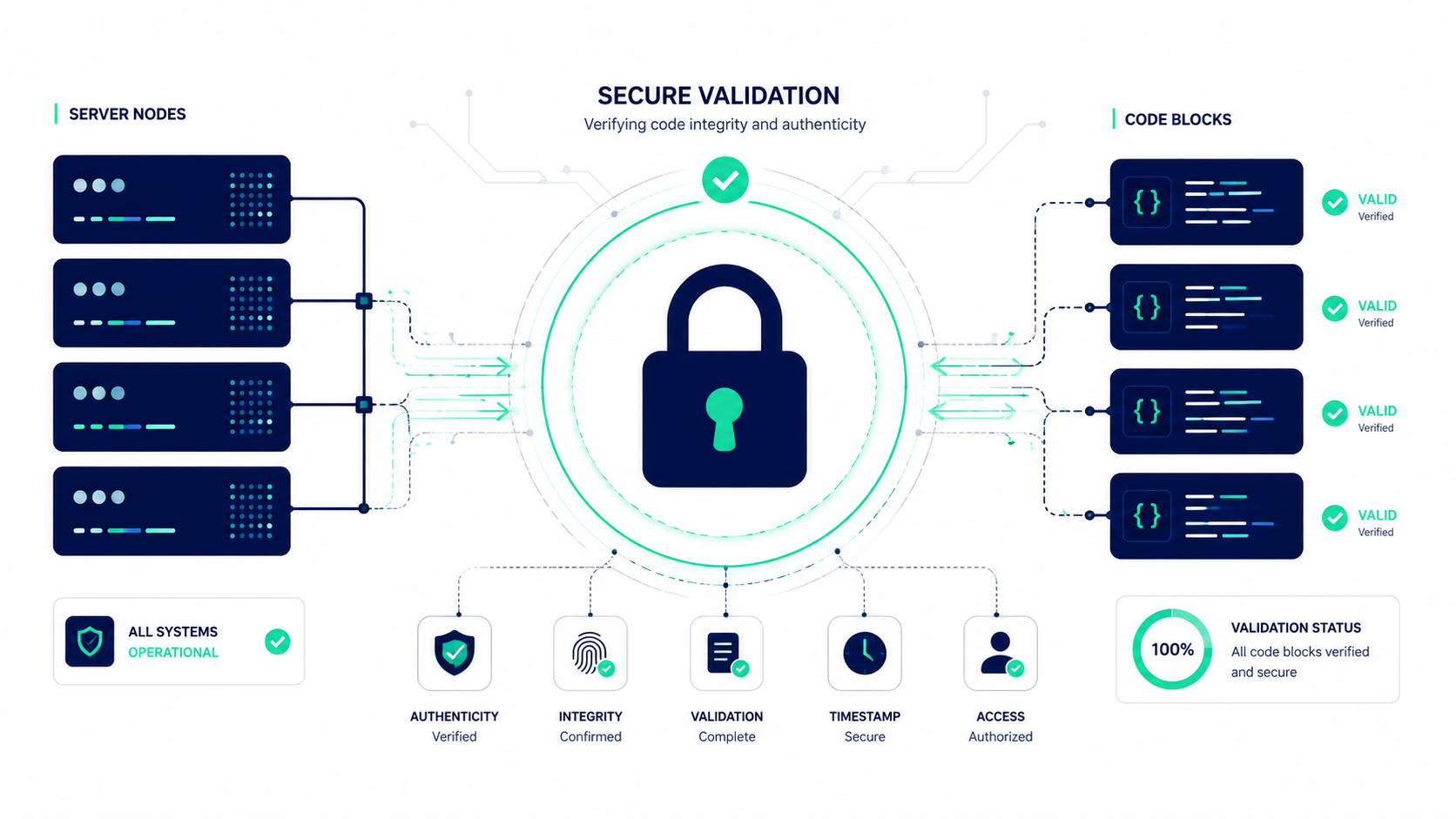
Everything runs inside your browser. Your image is never uploaded, never stored, and never seen by anyone.
Does Conversion Reduce Quality?
No. Your image is embedded into the PDF at its original resolution. The only change is scaling it proportionally to fit within A4 page dimensions with clean margins. There is no compression or re-encoding: what goes in comes out, just wrapped in a PDF.
Convert Your Images Privately
No watermarks. No sign-ups. No file uploads. Convert any JPG, PNG, or WEBP to a clean PDF in seconds. Try Image to PDF now.
Frequently Asked Questions
How do I convert an image to PDF online for free?
Use FlowFix: upload your image, click Convert to PDF, and download your file. It is 100% free with no registration required and runs entirely in your browser.
Will my image lose quality?
No. Your image is embedded at its original resolution with no compression. It is only scaled proportionally to fit within A4 page margins.
Is it safe to convert sensitive images like an ID?
Yes. All conversion happens directly inside your browser. Your files are never uploaded to a server or stored anywhere: they stay on your own device.
Conclusion
Converting an image to PDF has never been easier or safer. Whether you are archiving a photo or preparing a professional submission, FlowFix gives you a fast, private, and completely free way to do it right from your browser with zero compromise on quality.