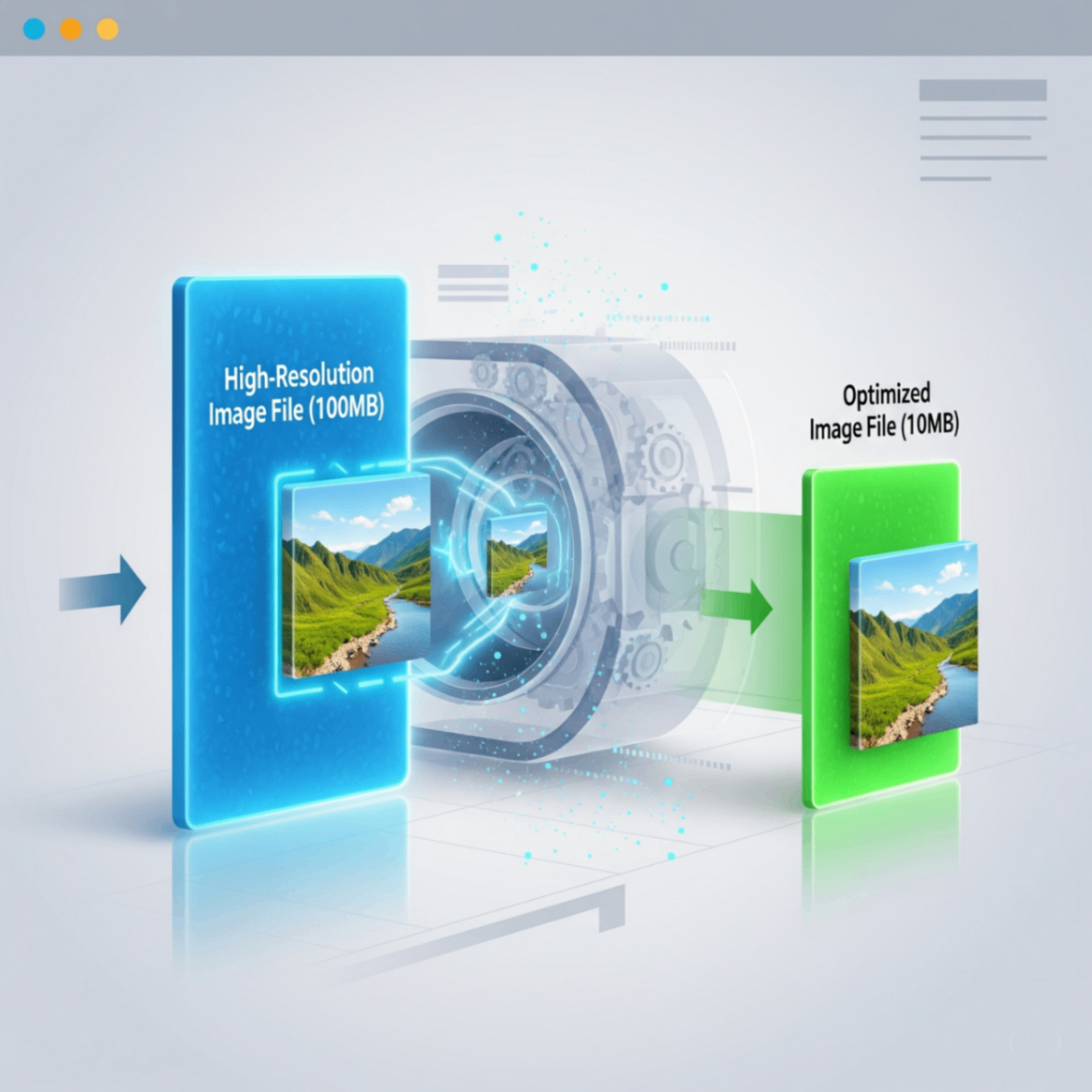
If you've ever visited a website that took forever to load, large, unoptimized images were likely the culprit. Image compression is the process of reducing the file size of your images, and it's one of the most important skills to learn for anyone with a website, blog, or online portfolio.
But what does "compressing" an image actually mean? And how can you do it without making your photos look pixelated or blurry? This guide will walk you through the basics in simple terms.
Why is Image Compression So Important?
Compressing your images might seem like a small technical step, but it has a huge impact:
- Faster Website Speed: Smaller image files mean your website loads much faster. This is crucial for keeping visitors engaged.
- Improved SEO Rankings: Search engines like Google favor fast-loading websites, so optimizing your images can help you rank higher.
- Saves Storage Space: Smaller files take up less space on your server, which can save you money in the long run.
- Better User Experience: A snappy, responsive site is a joy to use. A slow one is frustrating and can cause people to leave.
The Two Types of Compression: Lossy vs. Lossless
There are two main ways to compress an image, and understanding the difference is key.
1. Lossless Compression
Think of this like a ZIP file for your image. It reduces the file size without removing a single pixel of data. When the image is viewed, it's perfectly reconstructed.
Best for: Logos, icons, and graphics with sharp lines and text (like PNG files).
2. Lossy Compression
This method intelligently removes some data from the image that the human eye is unlikely to notice. This results in a much smaller file size.
Best for: Photographs and complex images with lots of colors (like JPEG files).
Key Takeaway: For most photos on a website, a slight amount of lossy compression provides the best balance between file size and quality.
How to Easily Compress Your Images
You don't need complex software to get the job done. The FlowFix free Image Compressor lets you upload your JPEG or PNG files and find the perfect balance between size and quality. It's fast, secure, and incredibly simple to use.
Conclusion
Image compression is a simple yet powerful technique to dramatically improve your website's performance and user experience. By understanding the basics of lossy and lossless compression and using an easy online tool, you can ensure your site is fast, professional, and loved by users and search engines alike.