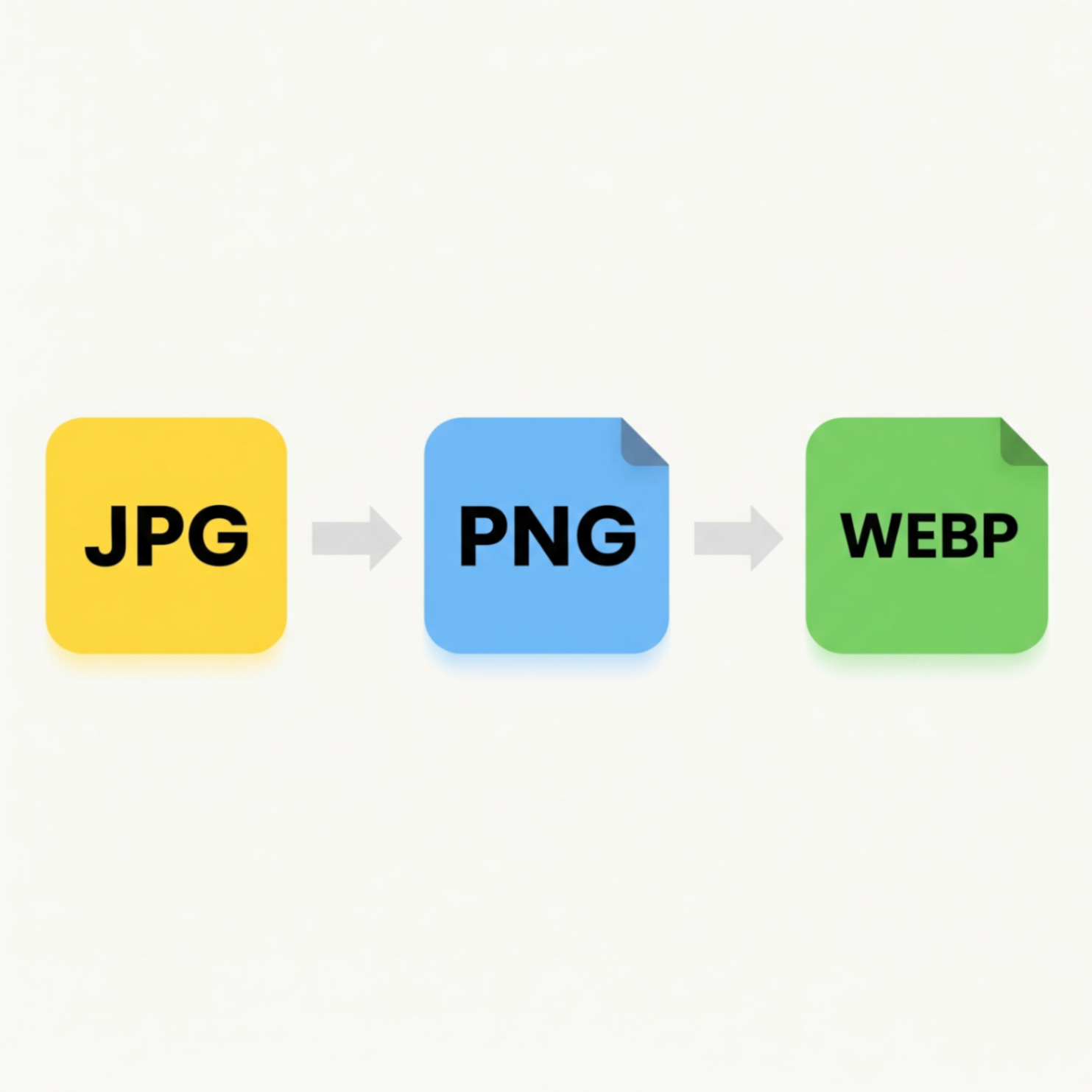
Have you ever saved an image and wondered what the difference is between .jpg, .png, and the newer .webp? Choosing the right image format is crucial for everything from website speed to visual quality. Using the wrong one can lead to large, slow loading files or blurry, unprofessional graphics.
This simple guide will demystify the three most common image formats on the web, explain the best use for each, and show you how to easily convert between them.
Breaking Down the Big Three
Each format has its own superpower. Here's what you need to know:
1. JPG (or JPEG): The Universal Standard
JPG is the go-to format for photographs and complex images with many colors and gradients. It uses "lossy" compression to create significantly smaller file sizes, which is great for web performance.
Best For: Digital photos, realistic images.
Key Weakness: Does not support transparent backgrounds.
2. PNG: The Quality & Transparency Champion
PNG uses "lossless" compression, meaning it reduces file size without losing any image quality. Its killer feature is its support for transparency, making it perfect for placing logos or graphics on colored backgrounds.
Best For: Logos, icons, text based graphics, images needing a transparent background.
Key Weakness: Creates very large files for photographs.
3. WEBP: The Modern Web Contender
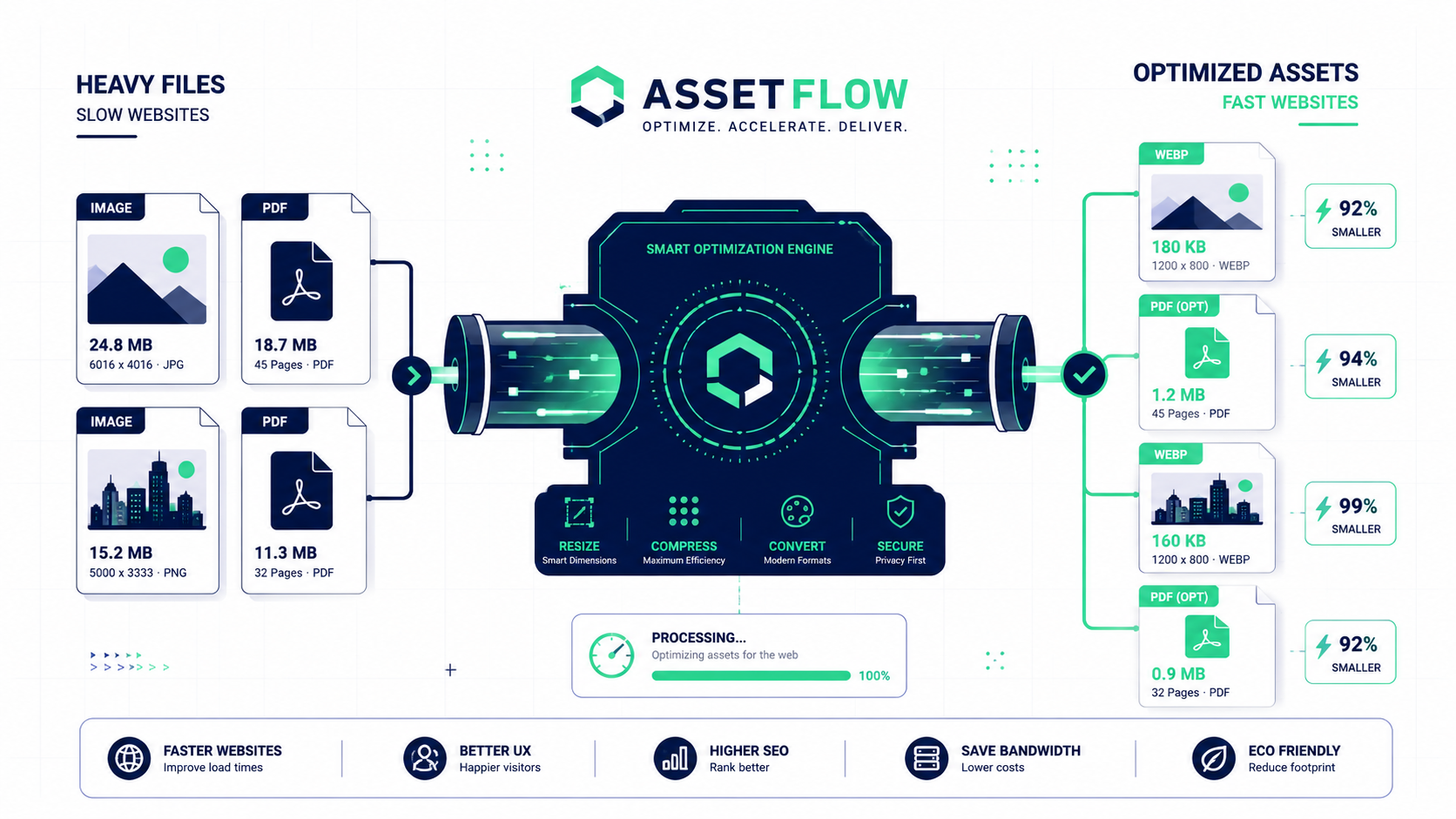
Developed by Google, WEBP is a next-generation format designed to be the best of both worlds. It offers much smaller file sizes than both JPG and PNG at comparable quality, and it supports transparency. It's the top choice for modern web design.
Best For: Almost all web images photos, graphics, and logos.
Key Weakness: Not all older software supports it yet (but all modern browsers do!).
When to Convert Your Images
You'll often need to switch formats when you want to use an image for a different purpose. For example, converting a JPG logo to a PNG to get a transparent background, or converting all your website's JPEGs and PNGs to WEBP to maximize loading speed.
Convert Your Images in a Flash
The easiest way to switch between formats is with the FlowFix Image Converter. It's a free online tool that supports JPG, PNG, WEBP, and more. Just upload your file, select your desired format, and download the result simple and secure.
Conclusion
Understanding image formats doesn't have to be complicated. By knowing the strengths of JPG, PNG, and WEBP, you can make informed choices that improve your website's performance and the quality of your visuals. With a simple converter tool, you have the power to optimize every image you use.