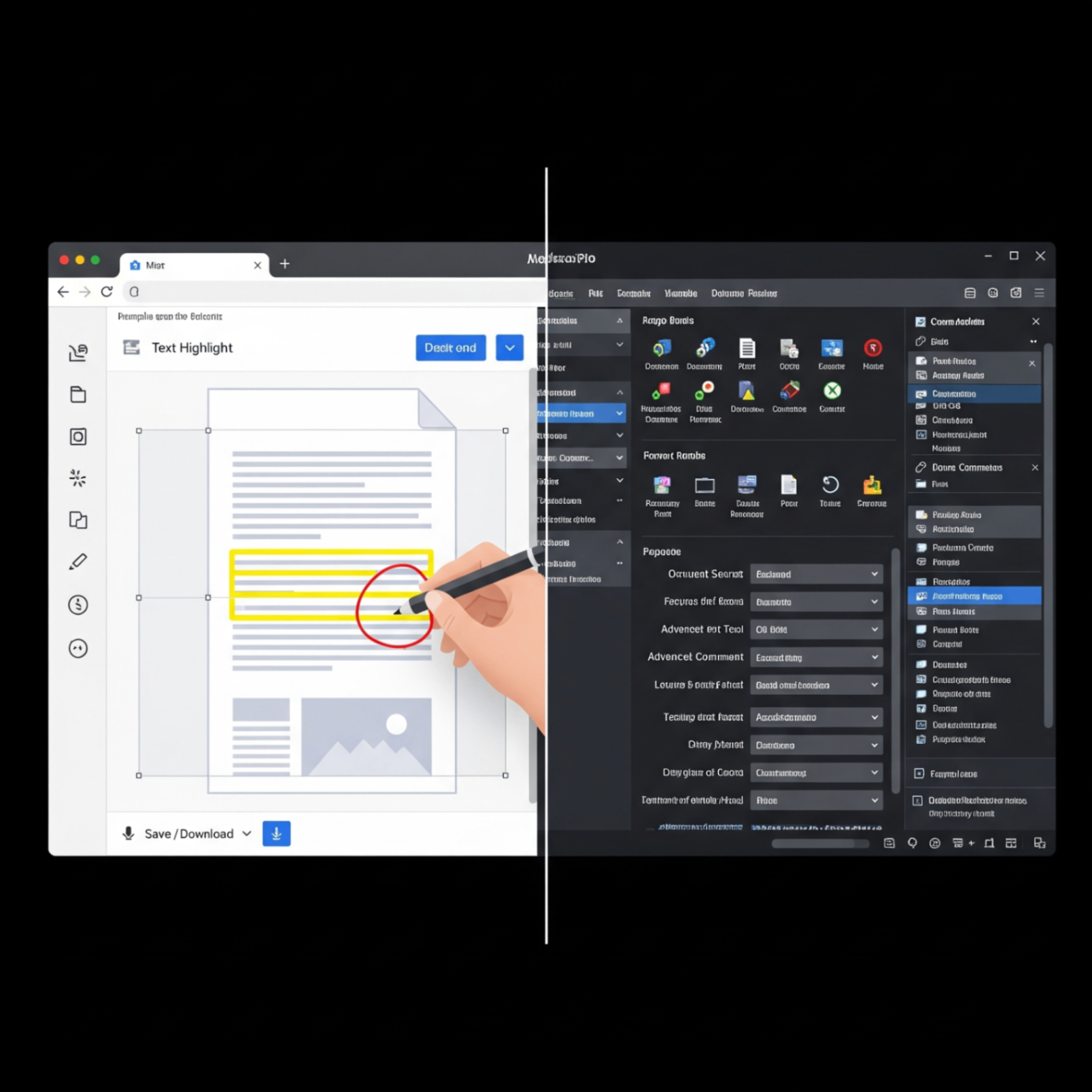
When you need to compress a PDF, merge a few documents, or add page numbers, you're faced with a choice: use a quick online tool right in your browser or fire up a dedicated desktop application? Both have their place, but the right choice depends on your specific needs for speed, features, and security.
Let's break down the pros and cons of each approach to help you decide which is the best fit for your workflow.
The Case for Browser-Based PDF Tools
Online tools have exploded in popularity for a reason. They excel in simplicity and accessibility.
Convenience & Speed
There's nothing to install. Just open a webpage, upload your file, and get your task done in seconds. It's perfect for quick, single-purpose jobs like compressing a file before emailing it.
Accessibility
You can use them on any computer Mac, Windows, or Linux without worrying about compatibility. All you need is a web browser.
Cost-Effective
Most online tools for common tasks are completely free, whereas desktop software often requires a hefty subscription or one-time purchase.
The Case for Desktop PDF Software
Traditional desktop applications, like Adobe Acrobat, are the heavyweights of PDF management.
Powerful, Advanced Features
Desktop software offers a massive range of features, including in-depth text editing, advanced form creation, OCR (Optical Character Recognition), and batch processing that most online tools don't.
Offline Access
Since the software is installed on your computer, you can work on your documents anywhere, with or without an internet connection.
Enhanced Privacy
For highly sensitive or confidential documents, processing files locally on your own machine offers a higher level of security, as your data never leaves your computer.
Your Go-To for Everyday PDF Tasks
For the 99% of tasks like compressing a file for email, merging a report, or organizing pages, a browser-based tool is the fastest and easiest solution. FlowFix offers a full suite of secure, free online PDF tools that get the job done in seconds, with no installation required.
Conclusion
You don't have to choose just one! The modern workflow often involves using both. A reliable suite of online tools is perfect for your daily, quick-turnaround needs, while a powerful desktop program can be reserved for those rare, complex projects. For most people, a fast and free online tool is more than enough to handle all their PDF challenges.