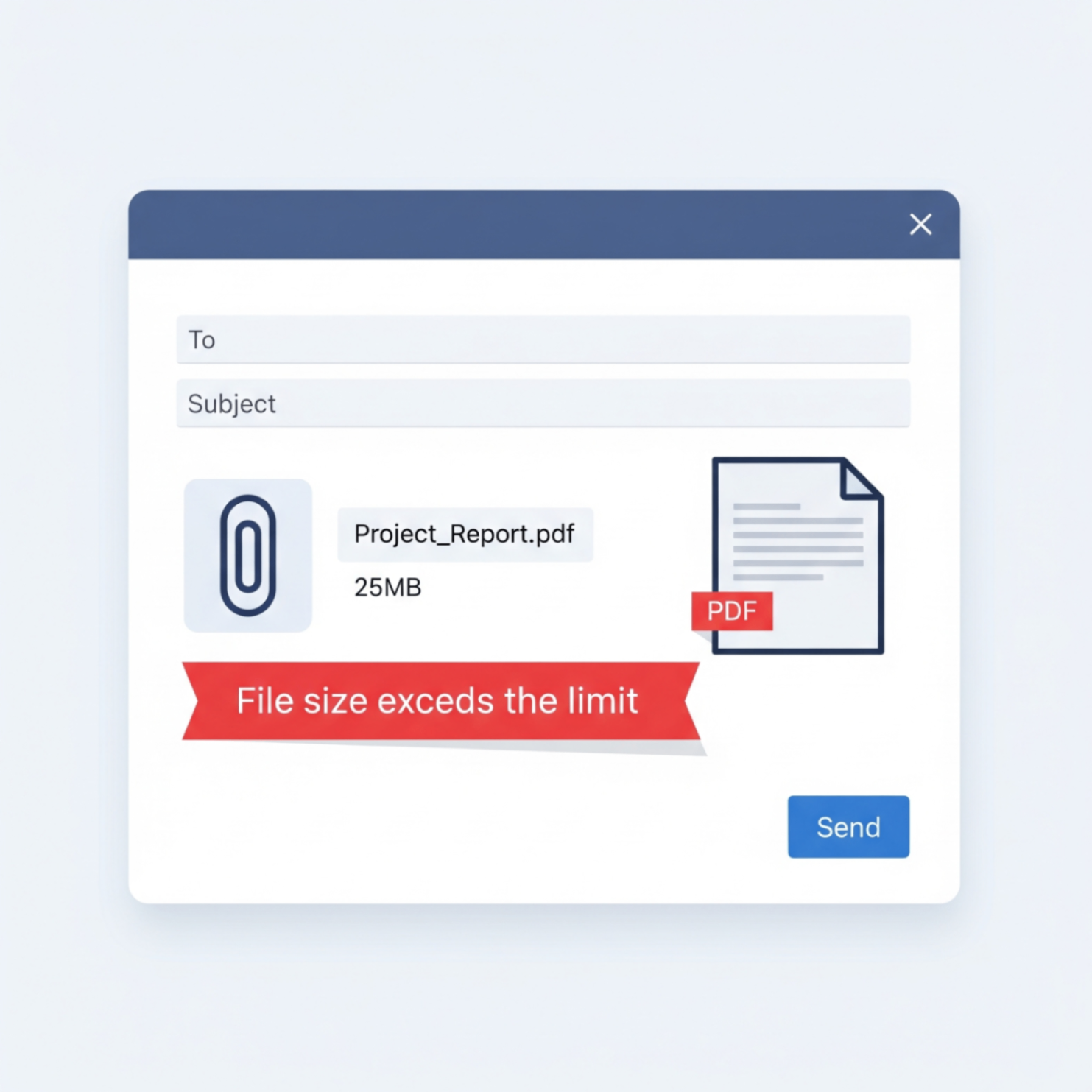
It's a situation we've all faced: you've finalized an important report, scanned a contract, or prepared a presentation, but when you try to email it, you're met with a dreaded error message: "File size exceeds the limit." It's frustrating and can bring your workflow to a halt. Most email services like Gmail and Outlook have attachment limits around 25MB, which is surprisingly easy to exceed with high-quality PDFs.
Fortunately, there are several reliable ways to send large files without tearing your hair out. Let's explore three simple methods, from common workarounds to the most efficient solution.
Method 1: Use a Cloud Storage Link (Google Drive, Dropbox)
One of the most common methods is to bypass email attachments altogether. By uploading your file to a cloud storage service, you can share a simple link instead of the file itself.
- Upload the PDF: Drag and drop your file into Google Drive, Dropbox, or OneDrive.
- Get a Sharable Link: Right click the file and select "Share" or "Get link."
- Set Permissions: Make sure you set the permission to "Anyone with the link can view." This is crucial!
- Paste the Link: Copy the link and paste it into your email.
Method 2: The Easiest & Fastest Way - Compress the PDF
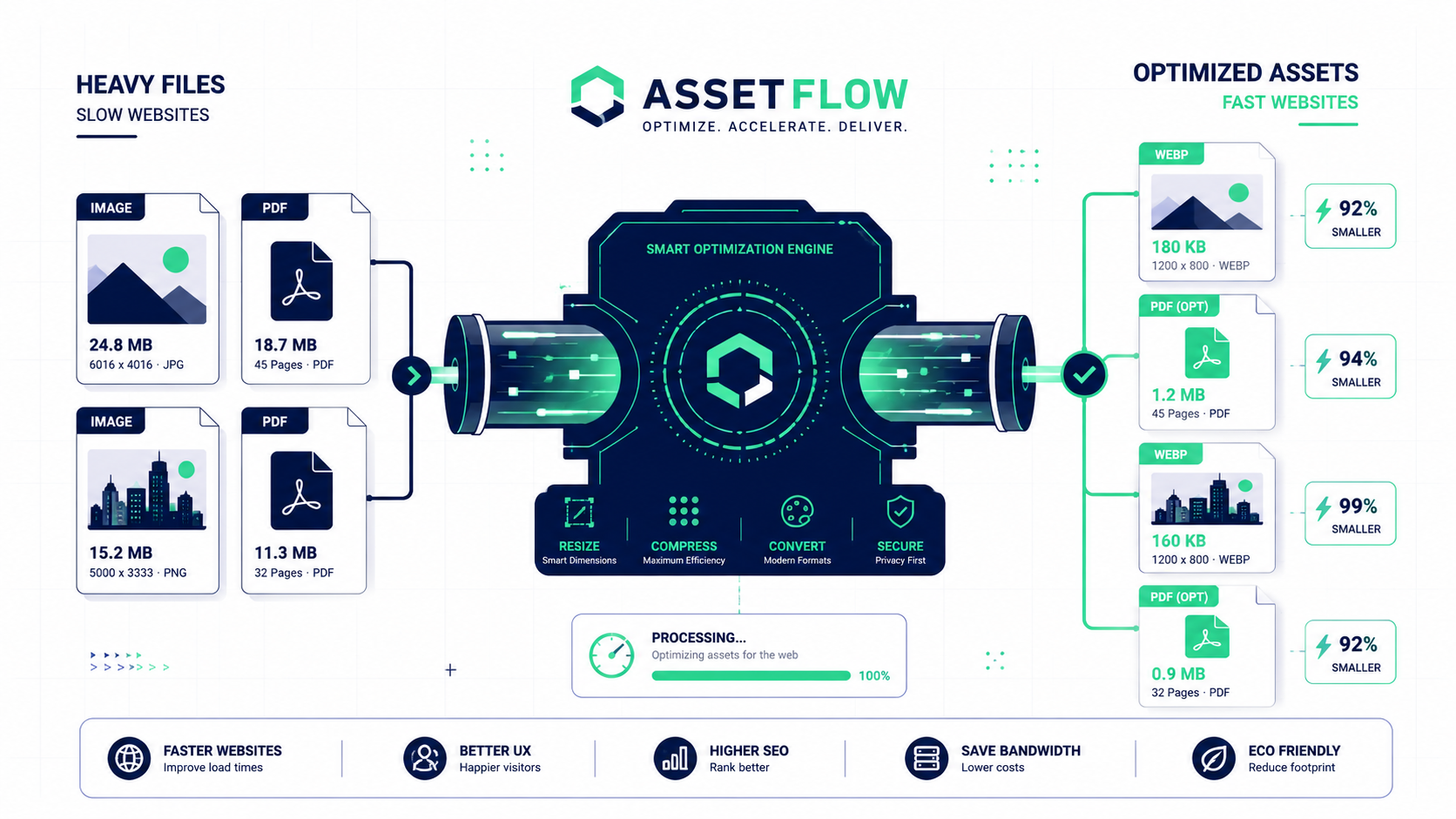
For most cases, the simplest solution is to just make the file smaller. PDF compression reduces the file size by optimizing images and removing unnecessary data, often without any noticeable loss in quality. This is the best option when you want to send a direct attachment that the recipient can immediately download and open.

Instead of dealing with complicated software, you can do this in seconds with an online tool.
Your Direct Solution: The FlowFix PDF Compressor
The FlowFix free PDF Compressor is the most efficient way to solve the "file too large" problem. There's no software to install and no need to manage share links. Just upload your file, and we'll make it small enough to email directly.
Conclusion
While cloud storage is a great option for collaborative work, compressing your PDF is the superior choice for quick, professional, and hassle-free emailing. It respects your recipient's inbox and ensures they can access the file with a single click. The next time you face an attachment size limit, you'll know exactly what to do.