The Chaos of Independent Pre-Production
Independent film production is a masterclass in controlled chaos. Before the cameras even start rolling, producers and assistant directors must manage an overwhelming mountain of digital paperwork. A standard pre-production folder contains multiple script revisions, smartphone photos from location scouts, signed actor Non-Disclosure Agreements, and complex daily schedules. In the rush to distribute the daily call sheet to the cast and crew, production assistants frequently rely on free cloud-based PDF mergers and format converters.
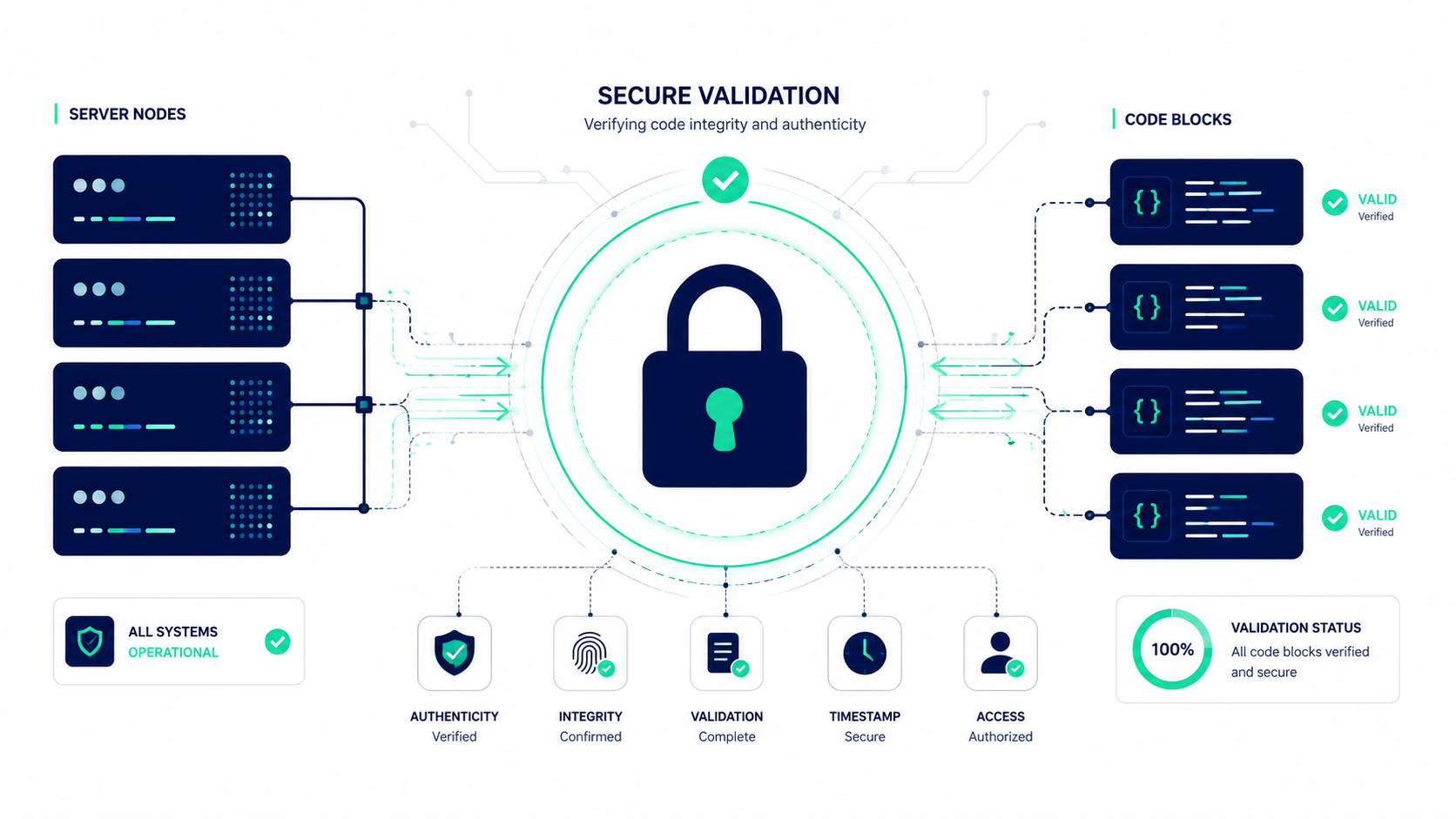
In the film industry, uploading these materials to a public web server is a catastrophic security risk. A leaked script can ruin a film's premiere and destroy distribution deals. Furthermore, uploading sensitive documents like an actor's passport photo or a private location contract violates strict industry privacy standards. Production teams need a way to rapidly manipulate, format, and combine these massive files on set, often in locations with zero cell service or Wi-Fi.
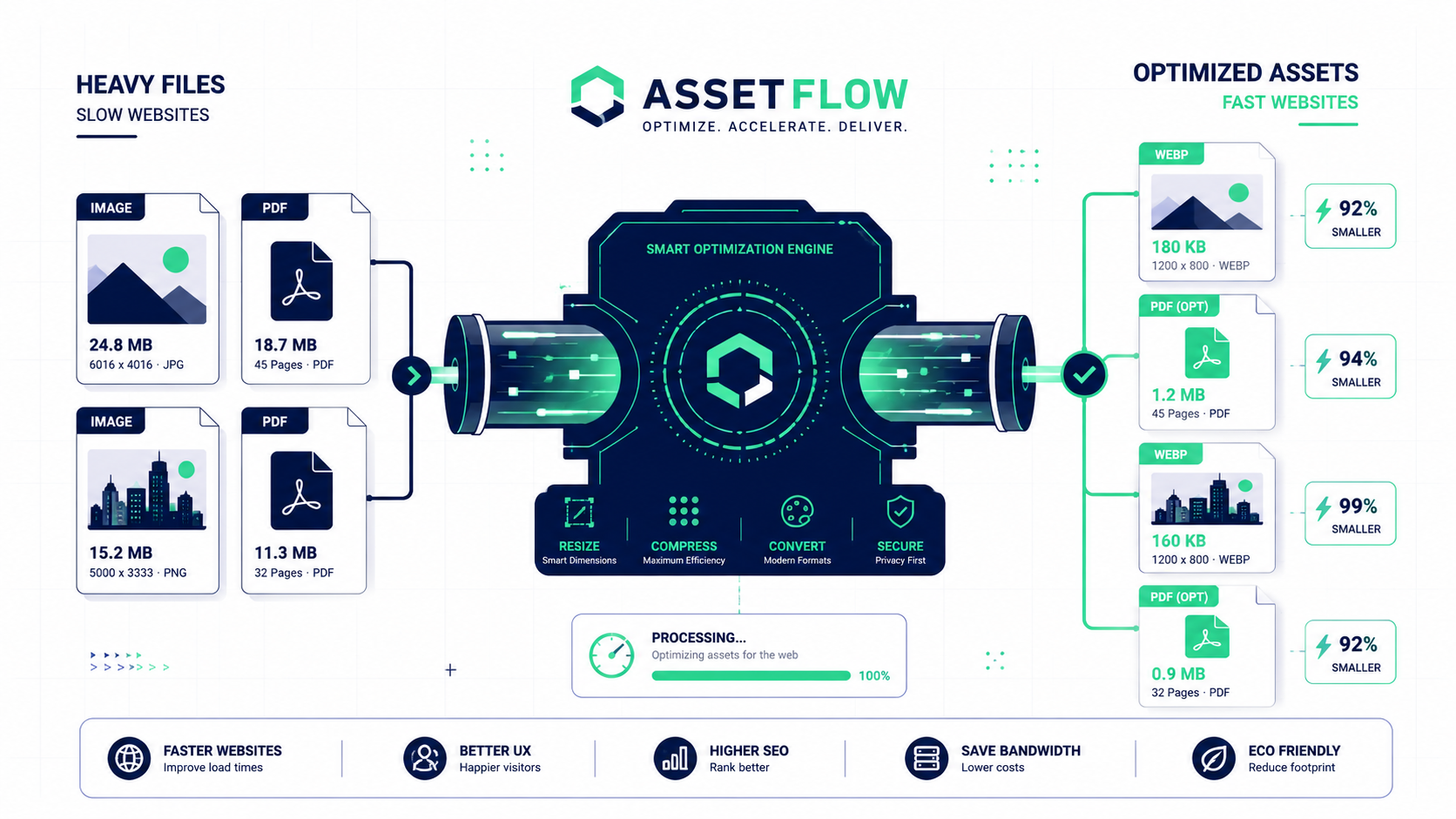
The solution is a completely local, zero-server document pipeline. By utilizing the FlowFix offline toolkit, filmmakers can chain together a series of powerful utilities to split scripts, compare revisions, generate secure maps, and merge call sheets instantly. Because the browser processes everything locally, your unreleased film remains completely confidential and your crew stays perfectly organized.
Phase 1: Script Revisions and Page Extraction
Scripts are living documents that change daily. When the writer emails 'Revision 7' at midnight, the director needs to know exactly what changed without re-reading all 120 pages. Paste the previous script text next to the new draft in the Text Compare tool. The local engine will algorithmically sweep the text, instantly highlighting exact dialogue tweaks and deleted scenes in red and green. This ensures no critical prop or wardrobe changes are missed.
Once the script is locked for the next day, you do not want to email the entire 120-page document to the crew. Drop the master script into the Split PDF utility. You can easily extract just the five specific scene pages scheduled for the next morning. This creates a lightweight, focused document that keeps the crew entirely focused on the immediate task at hand.
Phase 2: Digitizing Locations and Navigating the Crew
Film sets rely heavily on visual references. A location scout might text you ten irregular smartphone photos of a potential shooting site. First, drop them into the Convert Image tool to standardize them into clean JPGs. Next, route them through the Image to PDF converter. This mounts the chaotic photos onto clean, printable document pages, making them look highly professional when presented to the director.
Getting a 50-person crew to a secluded location is a logistical nightmare. Instead of typing out confusing directions, use the QR Code Generator. Enter the exact Google Maps coordinates for the basecamp. The tool will generate a static, untracked QR code. Because it is static, there are no hidden redirects or expired links that could leave your lighting crew stranded. You can mount this code directly onto your PDF packets for the team to scan through their car windows.
Phase 3: Building the Master Call Sheet
The final step is assembly. You have your extracted script pages, your digitized location photos, and your secure map QR code. Open the Merge PDF tool and drag these disparate files onto the canvas. Arrange them so the QR code map is on the front page, followed by the schedule, the extracted scene pages, and the location references at the back. Click merge to instantly bind them into the ultimate 'Daily Call Sheet' packet. You have successfully organized a massive day of production without ever risking a script leak.