The High Stakes of the Agency Pitch
The modern business pitch is rarely contained within a single file. Whether you are a digital agency proposing a massive web development retainer, a consultancy outlining an integrated AI solution, or a startup founder seeking seed capital, your final presentation is an amalgamation of diverse, highly sensitive assets. You have your beautifully designed slide deck outlining the vision. However, to ground that vision in reality, you also need to include hard data: specific Q3 financial projections buried in a 50-page accounting report, signed letters of intent, and perhaps high-resolution architecture diagrams or whiteboard sketches from your engineering team.
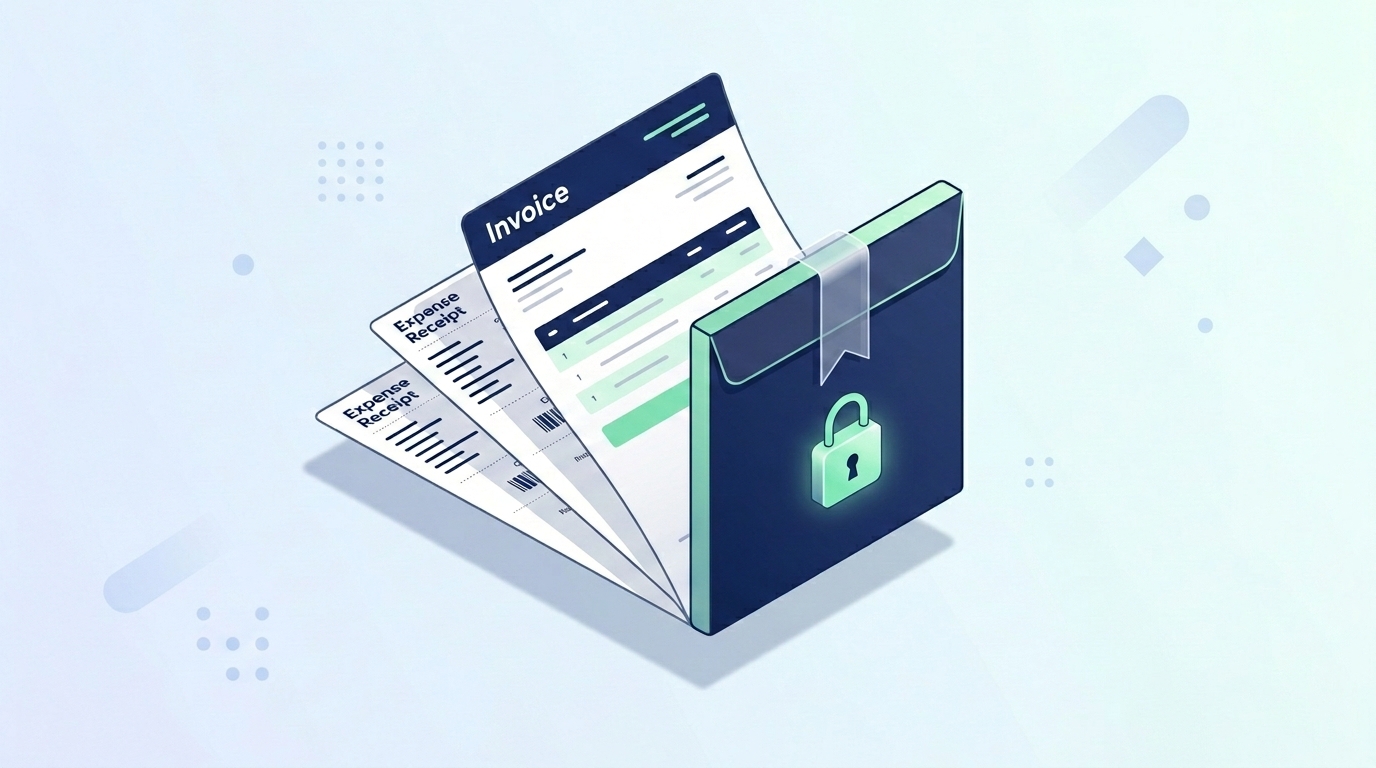
The administrative bottleneck occurs when it is time to compile these disparate elements into a single, cohesive PDF to send to stakeholders. The standard, amateur approach involves uploading your pristine slide deck and your highly confidential financial documents to a free, cloud-based PDF merger. This is a catastrophic security risk. Uploading proprietary pricing models, unreleased AI architecture schematics, or client financial data to a third-party server is often a direct violation of Non-Disclosure Agreements (NDAs). You are essentially handing over your agency's intellectual property to an unknown entity in exchange for basic document formatting.
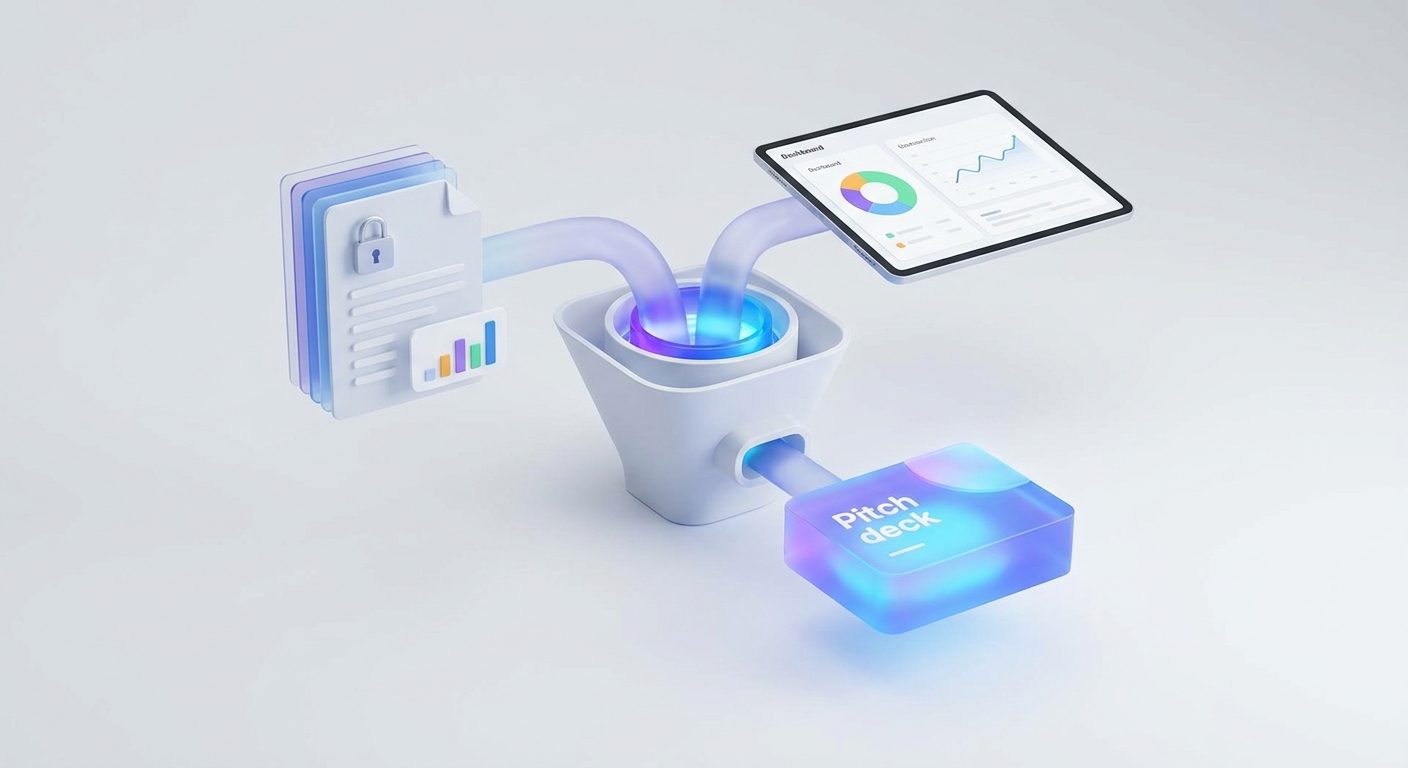
To operate at a professional, enterprise-grade level, you must utilize a zero-server architecture. By keeping all document manipulation local to your browser, you completely eliminate the risk of data interception. This guide outlines the four-step 'Pitch Deck Assembly Line' - a secure, client-side workflow utilizing the Split PDF, Image to PDF, Merge PDF, and Add Page Numbers tools to construct a flawless, investor-ready presentation without ever letting your data leave your machine.
Phase 1: Surgical Extraction of Financial Data
A successful pitch deck is lean; it should not force an investor to dig through unnecessary information. You may have a comprehensive, 60-page financial audit, but your pitch deck only requires the revenue projection charts located on pages 14 and 15. Including the entire document dilutes your core message and inflates the file size.
Begin by dragging the heavy financial report into the Split PDF tool. Because this process runs locally, the massive file loads instantly. Enter the specific page range you wish to extract (e.g., '14-15'). The tool will surgically slice those exact pages out of the main document, generating a new, lightweight PDF containing only the critical revenue charts. You now have an isolated, highly relevant asset ready for integration, completely preserving the native vector quality and text searchability of the original accounting software export.
Phase 2: Digitizing Real-World Assets
Not all pitch assets originate as digital PDFs. A compelling agency proposal often includes tangible elements: a signed partnership contract, a photograph of an initial whiteboard brainstorming session, or high-resolution headshots of the engineering team that will be handling the web development execution. Trying to attach raw `.jpg` or `.png` files alongside a PDF looks disorganized.
To standardize these elements, load them into the Image to PDF converter. This tool takes your raw image files and securely mounts them onto standard A4 or Letter-sized document pages. It automatically scales the whiteboard sketches and team photos so they sit perfectly flush within the margins. By digitizing these visual assets into standard PDF pages, you ensure they will flow seamlessly into the final presentation structure, maintaining a uniform, professional aesthetic.
Phase 3: The Master Compilation
With your components isolated and standardized, it is time to build the final narrative. You currently have your beautifully designed core slide deck, your newly extracted financial charts, and your digitized team headshots. Open the Merge PDF utility. This tool provides a visual canvas where you can drag and drop your disparate files to establish the ultimate document flow.
Upload your core slide deck first, positioning it as the foundation. Next, append the financial charts directly after your 'Pricing and Projections' slide. Finally, drop the digitized team headshots into the appendix section. If you realize the team photos should actually precede the financials, you can simply click and drag the file blocks to reorder them before execution. Clicking merge fuses these separate files into a single, unified master presentation. Because the operation relies entirely on client-side memory, the merging of these high-resolution assets happens instantaneously, bypassing all network upload bottlenecks.
Phase 4: Executive Formatting and Navigation
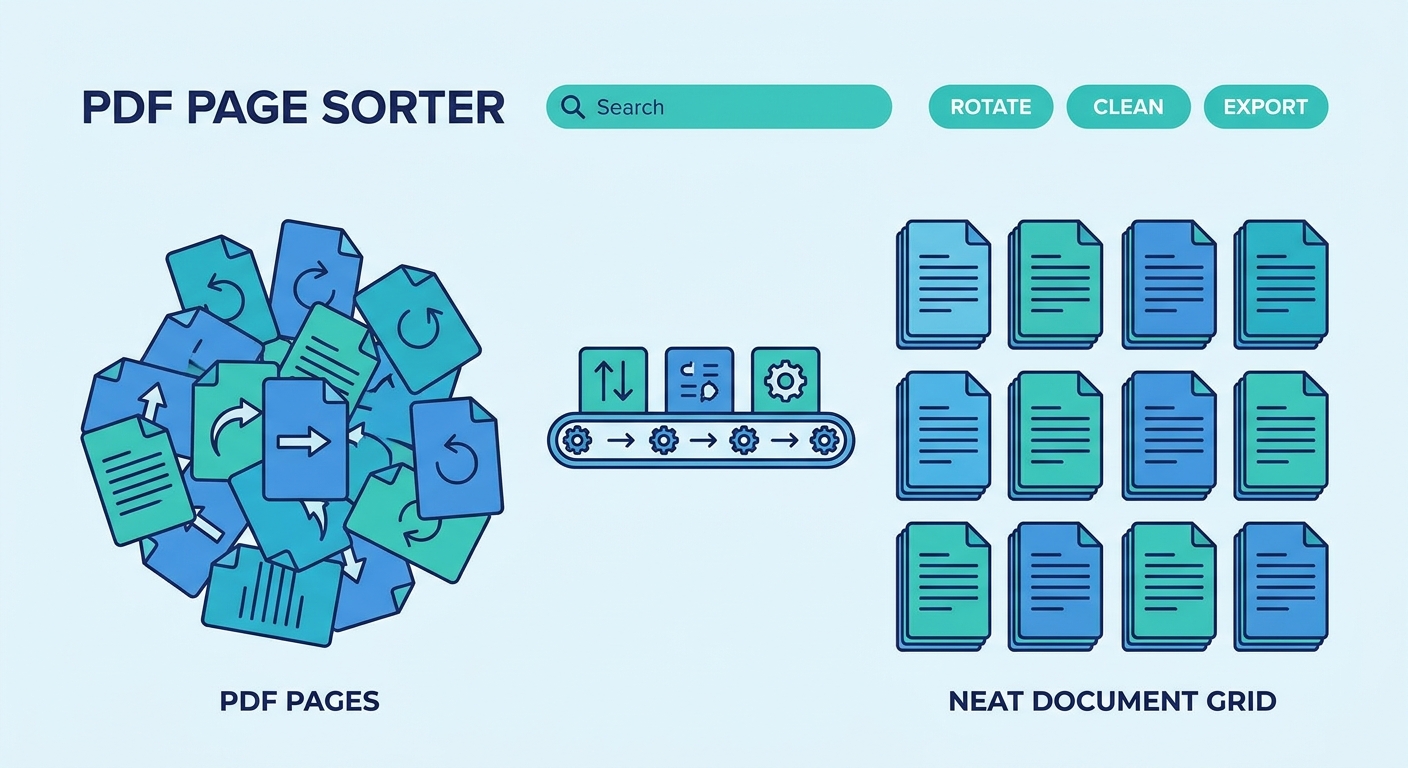
You have successfully created a comprehensive master document, but there is one final, critical formatting error to address: broken pagination. Because you merged files from different sources, your page numbering is likely chaotic. Your main slide deck might be numbered 1 through 20, but the appended financial chart might still have 'Page 14' printed at the bottom from its original extraction, followed by unnumbered digitized headshots.
When an investor or client is reviewing a 30-page proposal, they need a reliable way to reference specific sections. Drop your merged master file into the Add Page Numbers tool. This utility allows you to stamp a fresh, continuous mathematical sequence across the entire unified document. You can configure the tool to start numbering from page 2 (leaving your cover slide pristine) and position the sequential numbers cleanly in the bottom right corner. This overwrites the confusing legacy pagination and guarantees a flawless, easily navigable document. You have now successfully built a secure, compelling, and perfectly formatted pitch deck ready for the boardroom.