When you’re saving an image, choosing between JPG and PNG can feel like a technical detail, but it has a huge impact on your website’s speed and the quality of your visuals. Picking the right format is essential for a professional look and a great user experience. Let’s break down the key differences in simple terms.
What is a JPG? (And When to Use It)
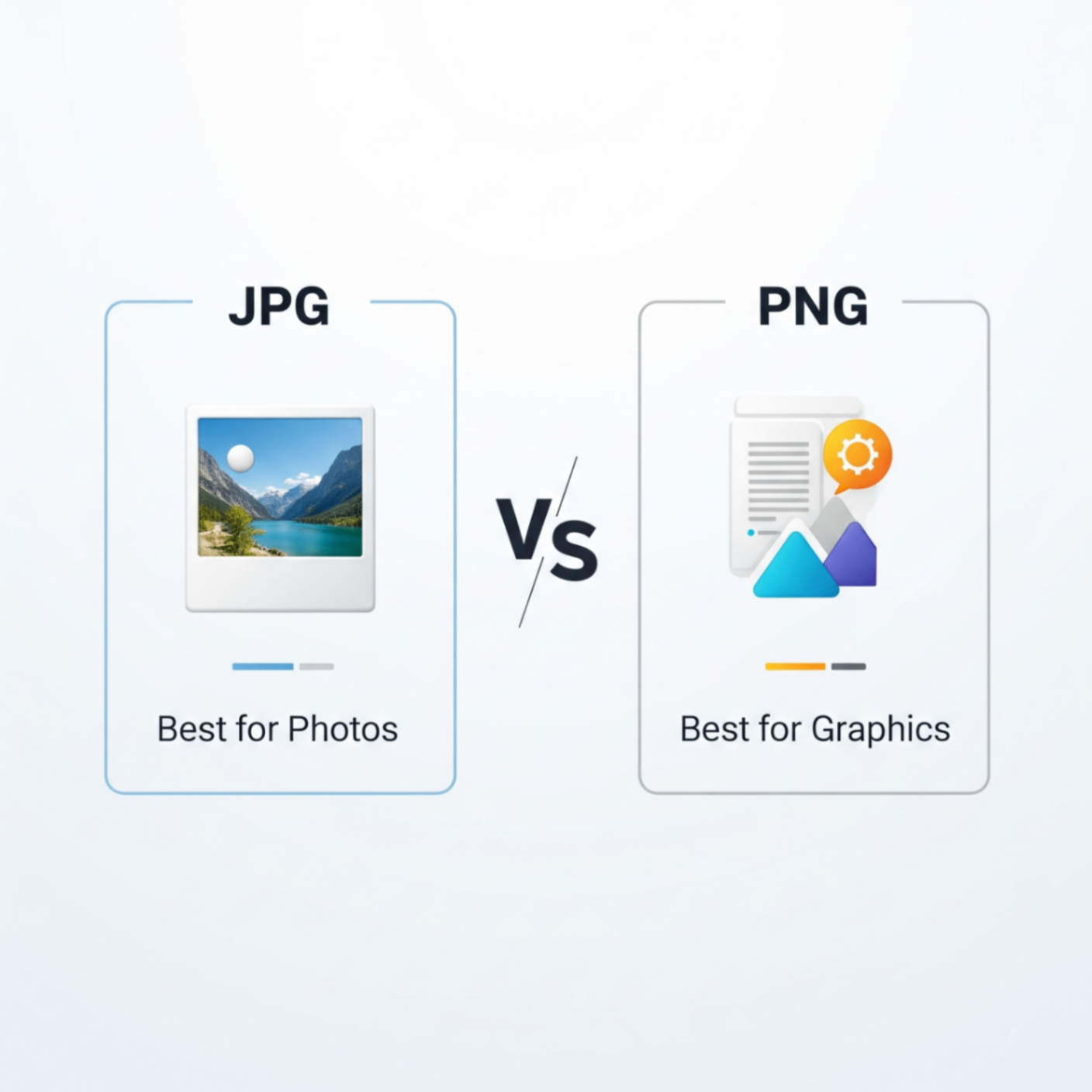
JPG (or JPEG) stands for Joint Photographic Experts Group. It’s the most common image format for digital photos. Its superpower is “lossy” compression, which means it cleverly reduces file size by removing some image data that the human eye is unlikely to notice. This makes it perfect for complex images with many colors and gradients.
- Best For: Photographs, realistic images, and complex graphics with gradients.
- Key Feature: Excellent at creating small file sizes for photos.
- Downside: Does not support transparency. Saving a JPG multiple times can degrade its quality.
What is a PNG? (And When to Use It)
PNG stands for Portable Network Graphics. It was developed as a higher quality alternative to GIF. Its key feature is “lossless” compression, meaning it reduces file size without losing any image data. This preserves sharp details and crisp lines, making it ideal for graphics.
- Best For: Logos, icons, text-heavy images, and any graphic that requires a transparent background.
- Key Feature: Supports transparency, allowing you to place images on colored backgrounds seamlessly.
- Downside: File sizes for complex photos can be much larger than JPGs.
Key Takeaway: Use JPG for photos, PNG for logos and graphics with sharp lines or transparency.
Need to Switch Formats?
Sometimes you save an image in the wrong format, or you need to convert a photo into a graphic with a transparent background. Instead of using complex software, a simple online tool is the fastest solution.
Your Solution: The FlowFix Image Converter
The FlowFix free Image Converter lets you instantly switch between JPG, PNG, WEBP, and other formats. Just upload your file, choose the format you need, and download the result.