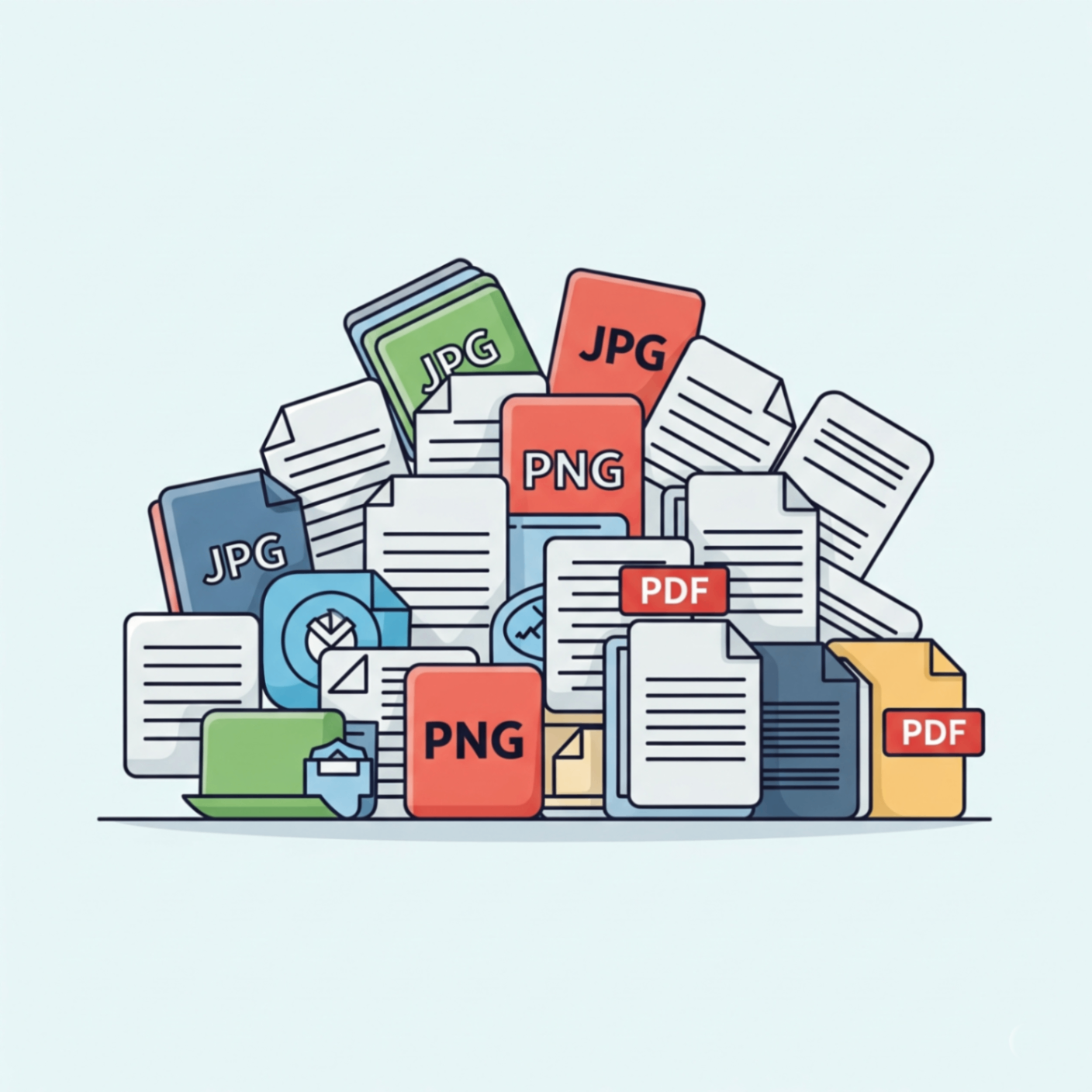
It's a common scenario: you’ve used your scanner to digitize several important documents invoices, receipts, handwritten notes, or legal papers. Now, instead of a disorganized collection of individual files, you need them neatly compiled into a single PDF. Whether it’s for easier emailing, archiving, or simply better organization, combining multiple scans into one PDF is a valuable skill.
Juggling multiple files can be a hassle. Imagine needing to email a series of scanned documents attaching each one individually is time-consuming and can be confusing for the recipient. A single, well-ordered PDF presents a much more professional and manageable package.
Fortunately, the process is simpler than you might think. You don't need complicated software or technical expertise. Let’s explore the easiest way to combine your scanned documents into a single PDF file.
The Simple Solution: Use an Online PDF Merger Tool
The quickest and most convenient method to combine your scanned documents is by using a free online PDF merger tool. These tools are designed to be user-friendly and efficient, allowing you to upload your files and merge them in seconds.
Here’s a step-by-step guide:
- Gather Your Scans: Ensure all your scanned files (like JPGs, PNGs, or existing PDFs) are saved in one folder on your computer.
- Upload Your Files: Drag and drop all your files into the online merger tool. Most tools allow you to select multiple files at once.
- Arrange the Order: Once uploaded, you'll see thumbnails of your documents. Drag them into the correct order to ensure your final PDF flows logically.
- Merge & Download: Click the "Merge" or "Combine" button. The tool will process your files and create a single PDF for you to download.
Your Direct Solution: The FlowFix PDF Merger
The FlowFix free PDF Merger is the perfect tool for this job. It's secure, fast, and handles all common image and document formats, turning your scattered scans into a polished, professional document.
Conclusion
Combining multiple scanned documents into one PDF doesn't have to be a headache. Using a simple online tool, you can say goodbye to the clutter of individual files and enjoy the benefits of a single, organized, and easy-to-share document.