Is your "Downloads" folder a chaotic mess? Is your desktop cluttered with randomly named files like "Scan_001.pdf" and "Report_Final_v2_Final.pdf"? You're not alone. In a digital world, files can pile up quickly, making it nearly impossible to find what you need when you need it.
But bringing order to your digital life doesn't have to be a massive chore. By adopting a few simple habits, you can transform your scattered files into a clean, efficient, and stress-free system. Here are seven practical tips to get you started.
7 Practical Tips for Organizing Your PDFs
1. Create a Logical Folder Structure
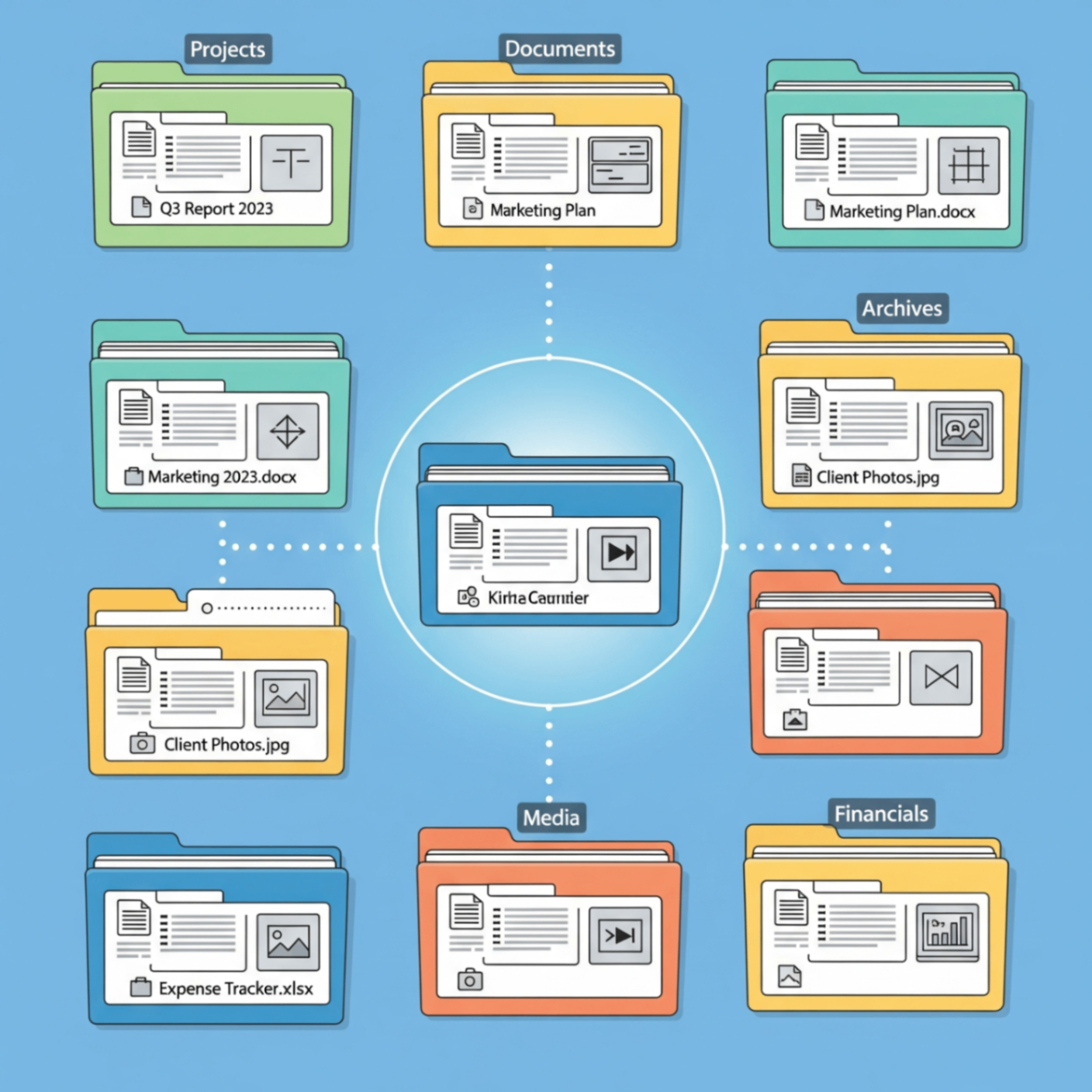
This is the foundation of any good system. Start with broad categories (e.g., "Work", "Personal," "Finances") and then create specific subfolders. For example: /Finances/Taxes/2025/. Be consistent, and your brain will quickly learn where everything belongs.
2. Use a Consistent Naming Convention
This is a game-changer for searchability. A good format includes the date, a description, and maybe a version number. Try something like YYYY-MM-DD_Description_Client.pdf (e.g., 2025-08-31_Invoice_AcmeCorp.pdf). Your future self will thank you.
3. Merge Related Documents
Instead of having five separate scans of a single contract, combine them into one file. Merging related invoices, receipts, or report sections into a single, multi-page PDF drastically reduces clutter.
4. Compress Large Files for Archiving
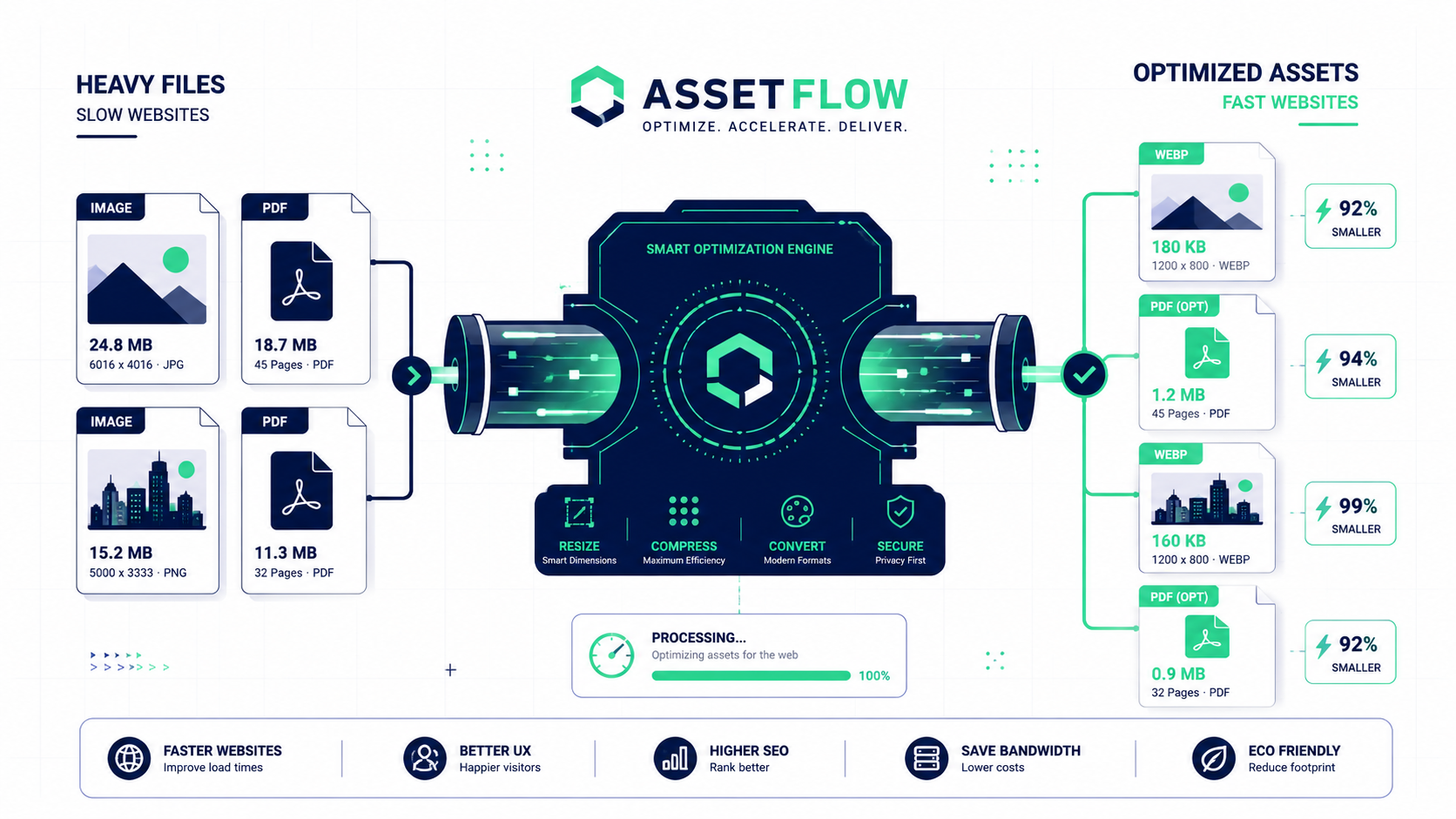
Large, high-resolution PDFs can eat up storage space. Once a project is complete, compress the associated files before archiving them. This keeps your storage lean without sacrificing important documents.
5. Delete What You Don't Need
Be ruthless! Regularly schedule time to go through your folders and delete duplicates, old drafts, and irrelevant files. A digital minimalist approach prevents your system from becoming overwhelmed.
6. Use a Temporary "Inbox" Folder
Create a single folder on your desktop called "Inbox" or "To Process." All new files go here first. Once a week, sort everything in this folder into its proper permanent home. This keeps your main desktop clean.
7. Back Up Everything Regularly
An organized system is useless if it's all lost in a hard drive failure. Use a cloud service or an external drive to keep regular backups of your important files.
The Right Tools Make Organization Easy
A good organization system is supported by good tools. Whether you need to Merge PDF files to combine reports or Compress PDFs to save space, FlowFix provides the simple, free utilities to support your newly organized digital life.