Digital clutter can slow you down and make important files hard to find. With FlowFix, organizing your documents is simple, secure, and fast. Here are five proven tips to help you take control of your digital files.
1. Use Clear, Consistent Naming Conventions
Name your files with dates, project names, or categories. For example: `2025-08-08_ProjectProposal.pdf`. This makes searching and sorting easier.
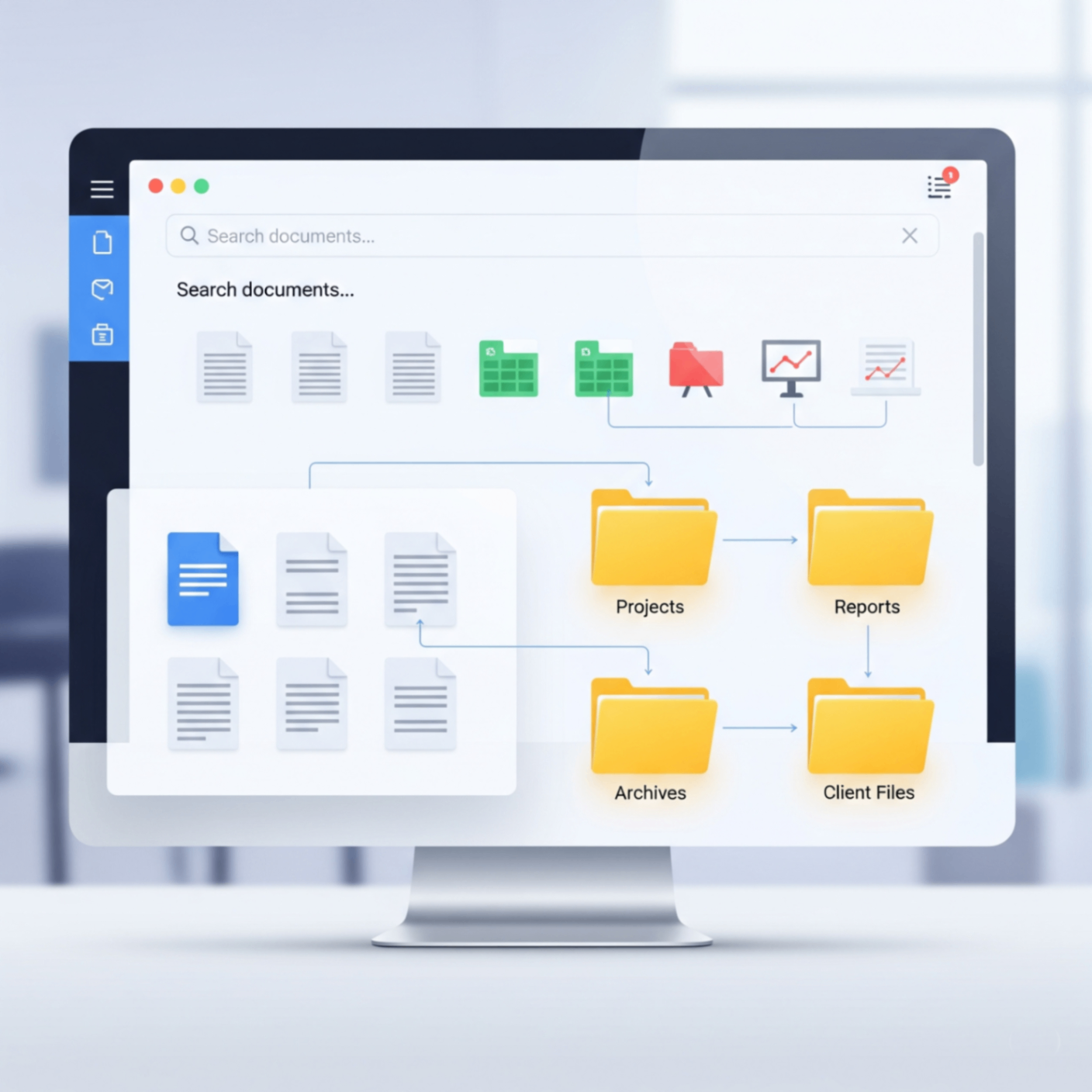
2. Create Structured Folders
Organize your documents into folders by type, client, or year. Use FlowFix's Organize PDF tool to rearrange and merge files before archiving.
3. Merge Related Documents
Combine multiple scanned files or reports into a single PDF for easier sharing and storage. Try our Merge PDF tool for quick results.
4. Add Page Numbers for Reference
Page numbers make long documents easier to navigate. Use FlowFix's Add Page Numbers tool to keep your files organized and professional.
5. Regularly Review and Archive
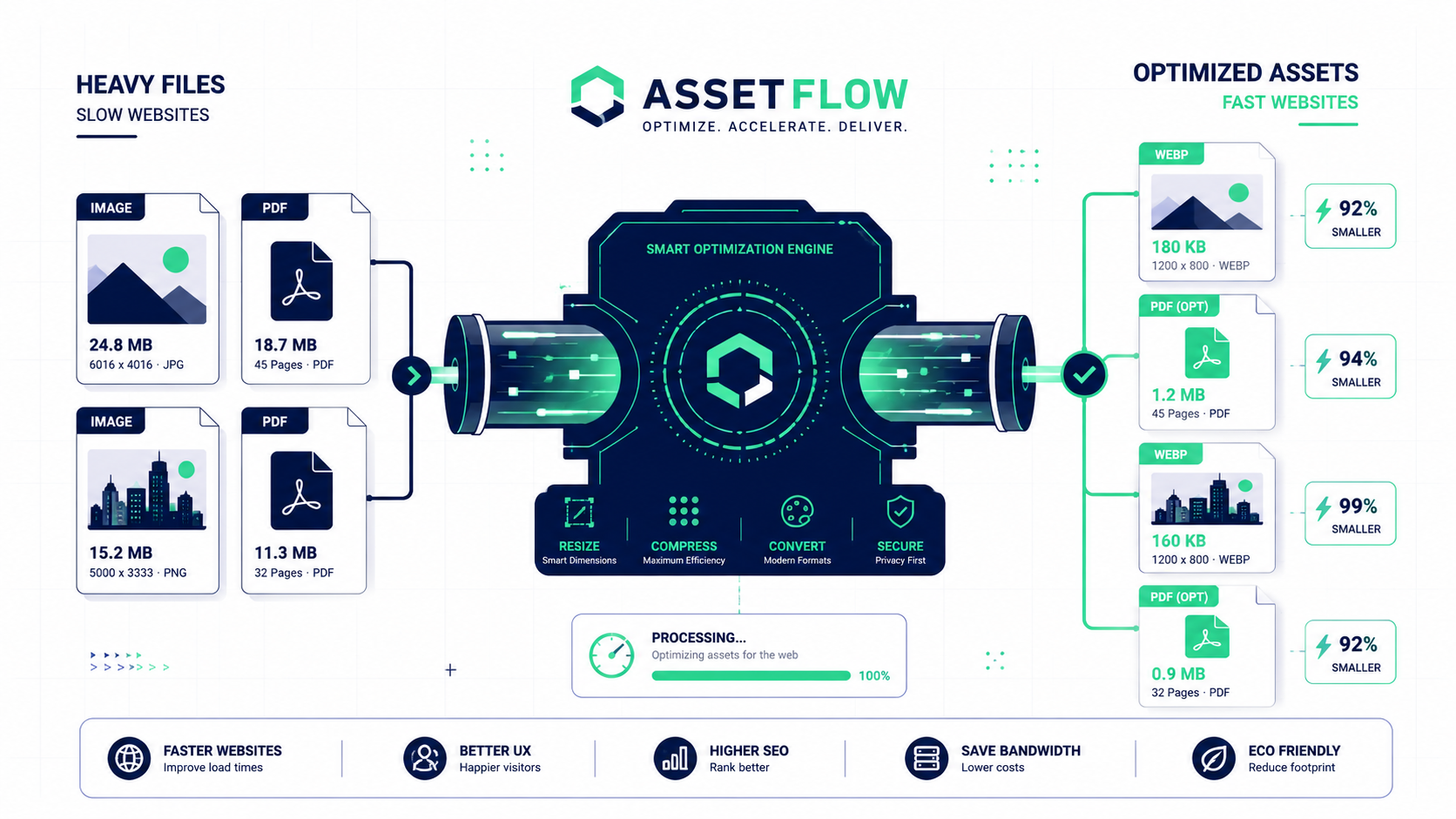
Set aside time each month to delete outdated files and archive important ones. Compress large PDFs with our PDF Compressor to save space.
Conclusion
A tidy digital workspace boosts productivity and reduces stress. Use FlowFix's free tools to organize, merge, and manage your documents with ease.